Knows where you are
When you land somewhere new, RateGuru reads the country from your mobile network and puts the local currency on top. No location permission needed.
 GuruHat
A free, open-source currency converter built for travel. Land in a new country and RateGuru already shows the local money next to yours, even with no signal.
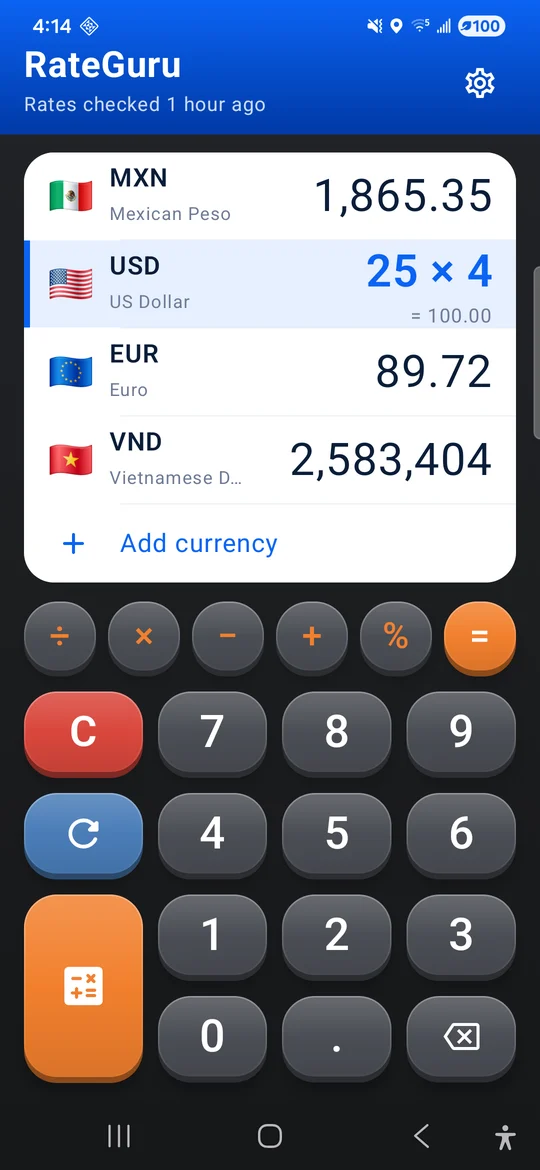
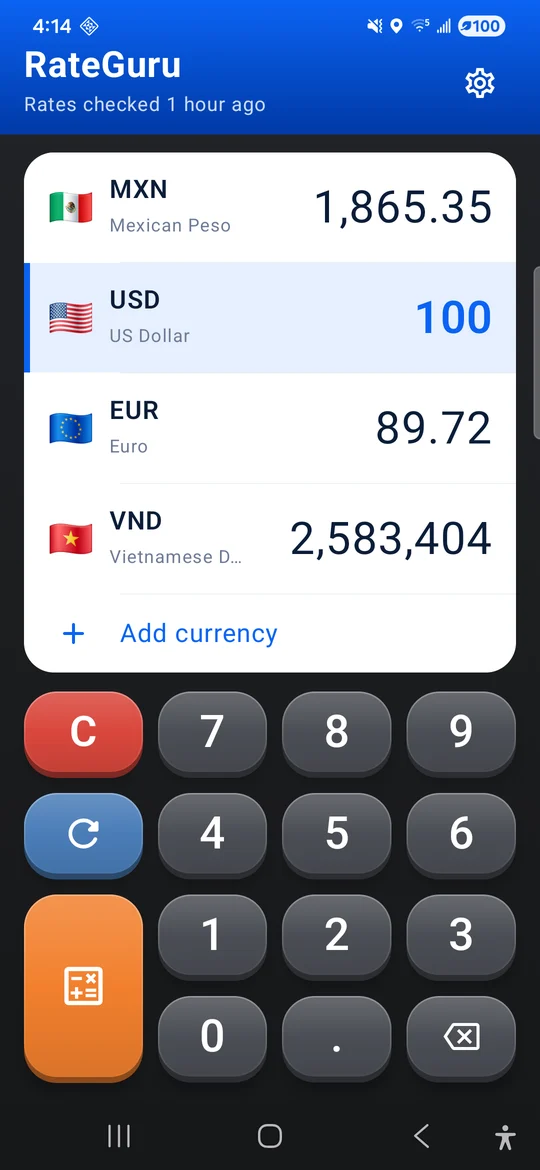

Most converters are buried in ads. RateGuru is one clean screen: the currencies you need, a big keypad, and nothing else.
When you land somewhere new, RateGuru reads the country from your mobile network and puts the local currency on top. No location permission needed.
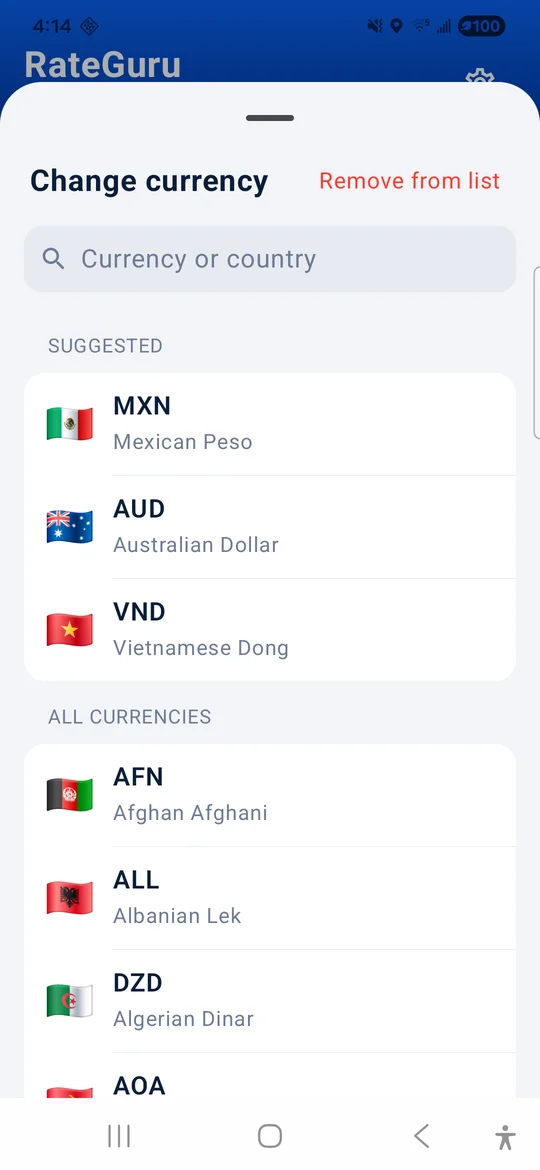
Keep up to 8 on screen, all converting together. Tap any row to type in it, and tap a flag to swap it for another.
RateGuru keeps the last rates it downloaded, and ships with rates for 166 currencies, so it works in airplane mode and with no data plan.
Split a bill or add a tip without leaving the app: tap the orange key for + − × ÷ and %. Hold 0 to type 000 for currencies with big notes.
Raised keys you can hit while walking, a white card that's easy to read in the sun, and a search that finds currencies by country.
RateGuru isn't on Google Play, so Android installs it from the downloaded file. It then keeps itself up to date.
Tap Download for Android on your phone, then open the file. Android asks you to allow installing apps from your browser once.
RateGuru grabs today's rates and picks your home currency from your SIM. Change it any time in Settings.
Land, open RateGuru, and the local currency is already on top. Your other currencies stay where you left them.
When a new version is out, RateGuru offers it when you open the app. Tap Update, then Install.
Free, open source under the MIT license, and private by design: no ads, no account, no server, no analytics.
Download RateGuru for Android