Instagram DMs only
All your chats, groups, photos and voice notes. The feed, Explore, Reels, Stories and the Notes row are kept out of the way.
 GuruHat
A free, open-source Android app for your Instagram DMs and Facebook Messenger chats, so you can uninstall the apps that keep pulling you into Reels and the news feed.
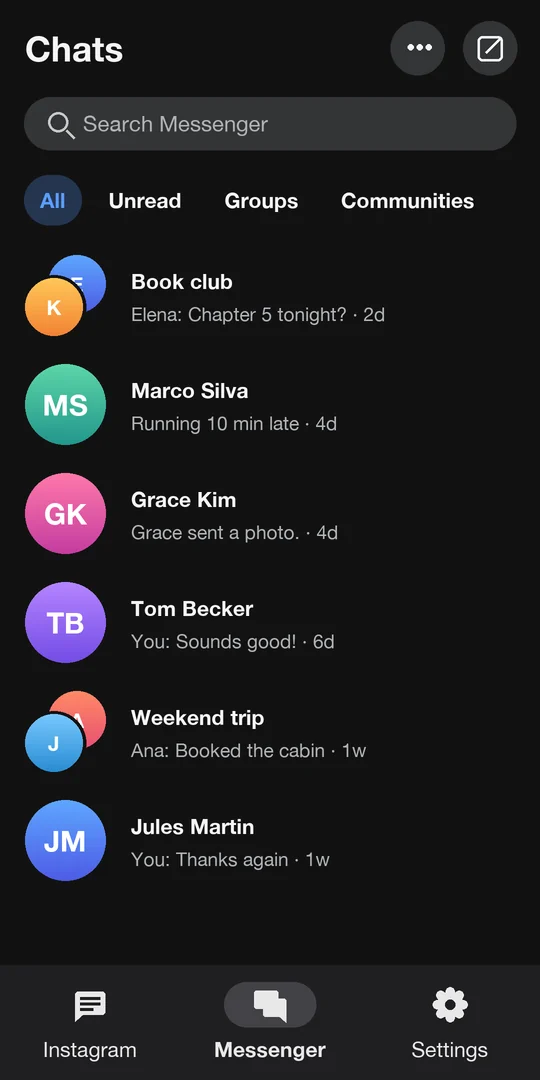
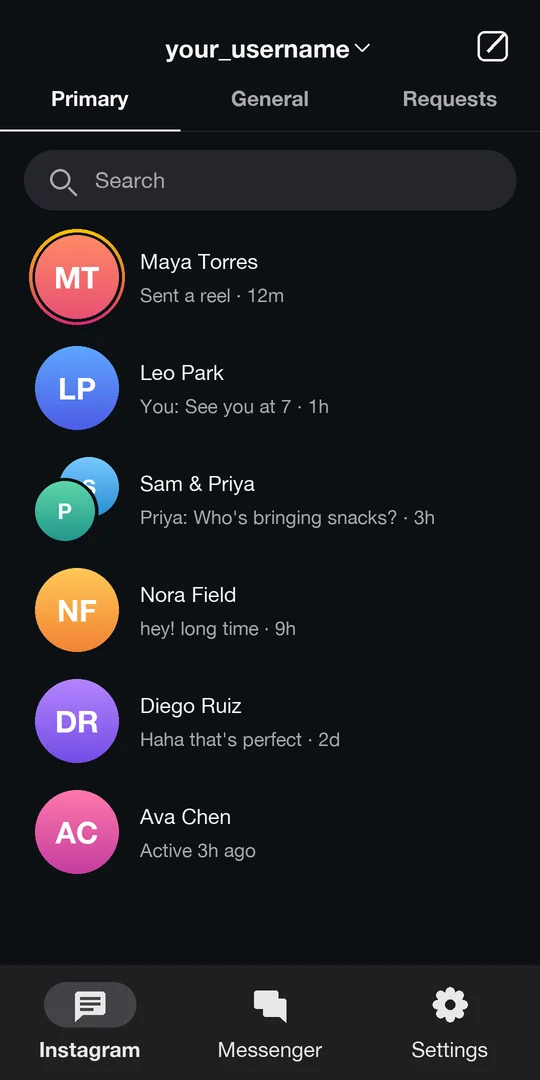

A short settings page, and alerts that tell you something arrived without putting your conversations on the lock screen.
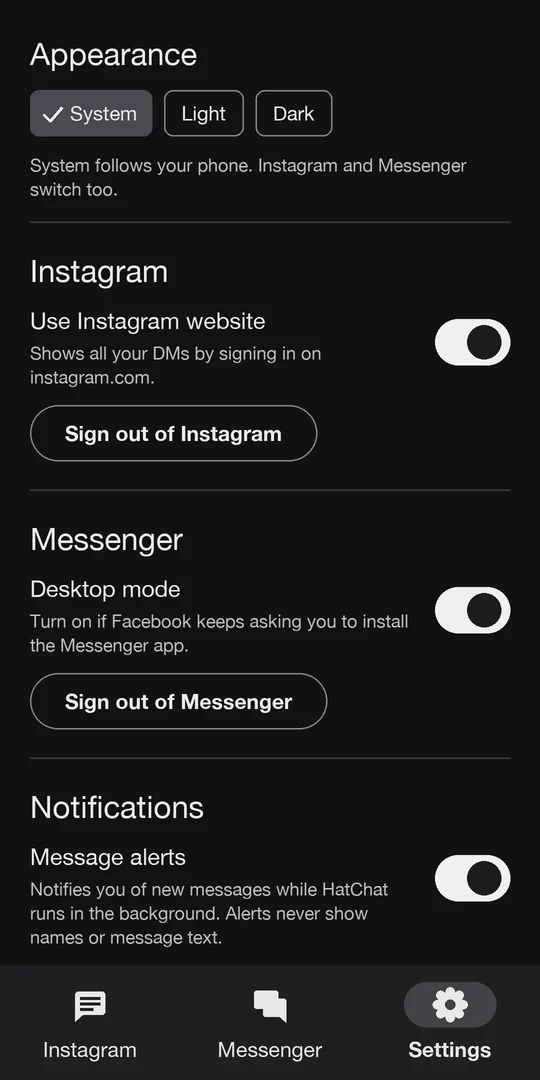
Example screens with made-up names. Alerts work while HatChat is running in the background.
HatChat opens Instagram's and Facebook's own message pages and keeps you there. Everything that leads back to a feed is hidden or sends you straight back to your inbox.
All your chats, groups, photos and voice notes. The feed, Explore, Reels, Stories and the Notes row are kept out of the way.
Your Messenger chats on a phone-sized screen, without the news feed, Watch, Marketplace or Facebook's top bar.
You sign in on Instagram's and Facebook's real login pages. HatChat never sees your password, and the session is stored only in the app on your phone.
Light, dark or follow your phone. Alerts for new messages while HatChat is in the background, and the typing box always stays above the keyboard.
HatChat isn't on Google Play, so Android installs it from the downloaded file. It then keeps itself up to date.
Tap Download for Android on your phone, then open the file. Android asks you to allow installing apps from your browser once.
Log in on the Instagram tab and the Messenger tab. If Instagram or Facebook asks "Was this you?", approve it: it's a new browser to them.
When a new version is out, HatChat offers it when you open the app. Tap Update, then Install.
Once your chats are there, you can remove the Instagram and Messenger apps whenever you're ready.
Free, open source under the MIT license, and private by design: no ads, no account, no server, no analytics.
Download HatChat for Android